
 Image 1 of 1
Image to Video Production Guide
A stunning AI image is only the first frame. Turning it into a convincing video requires control over motion, camera movement, character consistency, and how each shot connects to the next. Stop hoping the animation gets it right. Start directing the scene.
You've created an image with the right character, environment, or product. Now you want it to move. But the character changes appearance between shots, the camera travels in the wrong direction, or the animation introduces details that weren't in the original image. How do you maintain visual consistency? How do you build longer sequences? And which tools fit the type of video you're trying to produce?
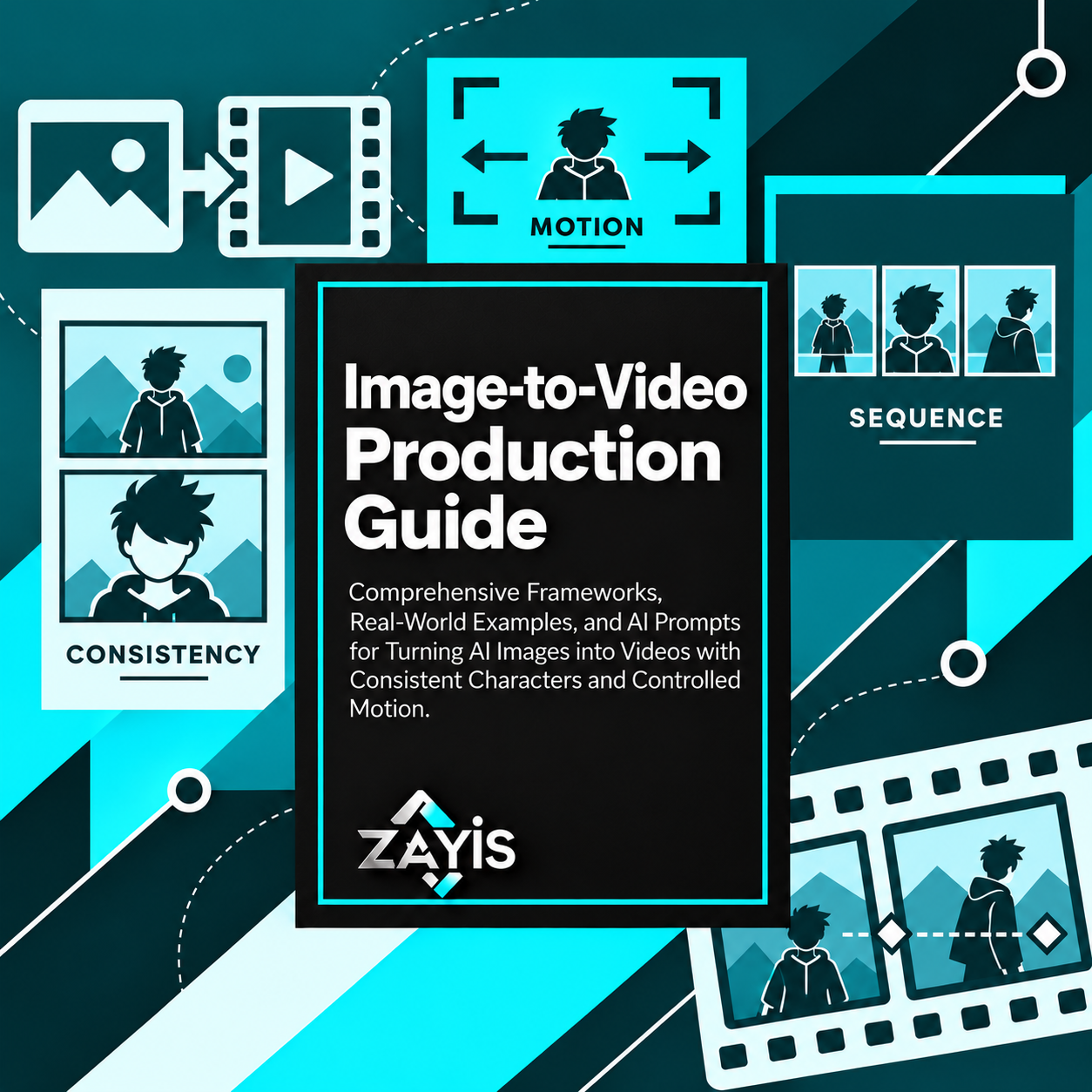
The Zayis 2027 Image-to-Video Production Guide helps you develop a more structured AI video workflow. Use practical frameworks, reusable prompts, and production techniques to animate still images, plan multi-shot scenes, refine movement, and prepare content for different creative uses.
What you can build:
An image-to-video production workflow: Prepare reference images, define the intended movement, and organize the steps needed to turn a still image into a video clip.
A character consistency reference system: Develop prompts and reference materials that help preserve clothing, appearance, proportions, and recognizable details between shots.
A camera movement and motion plan: Specify pans, tracking shots, framing changes, camera direction, and subject movement with greater precision.
A multi-shot video storyboard: Organize consecutive scenes, establish visual continuity, and connect individual clips into a more coherent sequence.
A transformation or motion-capture concept: Explore keyframe transitions, controlled visual changes, and performance-guided animation techniques.
A voice and audio synchronization plan: Develop approaches for dialogue, sound, and audio timing while accounting for the capabilities of different video platforms.
A production quality and delivery checklist: Compare platform options, review generated clips, identify common errors, and prepare appropriate output formats for your intended audience.
Put your AI assistant to work with a clearer brief.
The guide combines image-to-video workflows, structured prompting instructions, practical examples, and troubleshooting guidance. Rather than asking AI to animate an image and accepting whatever happens, you can describe the subject, reference frames, camera instructions, motion boundaries, audio needs, and intended output.
Upload the PDF to a compatible AI assistant, provide your creative concept and visual references, and work through one production challenge at a time. Use supported image and video platforms to generate the assets, then review the results for consistency, accuracy, permissions, and appropriate disclosure.
What's included:
A 35-page PDF with 13 AI video production sections.
Core workflows covering image-to-video generation, character consistency, camera motion, multi-shot scenes, and keyframe transformations.
Advanced techniques for motion capture, quality improvement, audio synchronization, and custom workflows.
A platform selection framework discussing Nano Banana, Kling, Seedance, and Veo.
Reference-to-video and clip extension guidance.
Responsible AI video practices covering rights, safety, and disclosure.
A 30-day production sprint and video delivery guidance.
Troubleshooting tips, a task-based section finder, and sources for further reading.
Who it's for: AI content creators, video editors, filmmakers, digital marketers, social media creators, designers, and businesses exploring AI-assisted video production.
Don't limit your creative vision to a single impressive image. Learn to plan the movement, maintain the details, and turn your visual concepts into more deliberate video sequences.
A stunning AI image is only the first frame. Turning it into a convincing video requires control over motion, camera movement, character consistency, and how each shot connects to the next. Stop hoping the animation gets it right. Start directing the scene.
You've created an image with the right character, environment, or product. Now you want it to move. But the character changes appearance between shots, the camera travels in the wrong direction, or the animation introduces details that weren't in the original image. How do you maintain visual consistency? How do you build longer sequences? And which tools fit the type of video you're trying to produce?
The Zayis 2027 Image-to-Video Production Guide helps you develop a more structured AI video workflow. Use practical frameworks, reusable prompts, and production techniques to animate still images, plan multi-shot scenes, refine movement, and prepare content for different creative uses.
What you can build:
An image-to-video production workflow: Prepare reference images, define the intended movement, and organize the steps needed to turn a still image into a video clip.
A character consistency reference system: Develop prompts and reference materials that help preserve clothing, appearance, proportions, and recognizable details between shots.
A camera movement and motion plan: Specify pans, tracking shots, framing changes, camera direction, and subject movement with greater precision.
A multi-shot video storyboard: Organize consecutive scenes, establish visual continuity, and connect individual clips into a more coherent sequence.
A transformation or motion-capture concept: Explore keyframe transitions, controlled visual changes, and performance-guided animation techniques.
A voice and audio synchronization plan: Develop approaches for dialogue, sound, and audio timing while accounting for the capabilities of different video platforms.
A production quality and delivery checklist: Compare platform options, review generated clips, identify common errors, and prepare appropriate output formats for your intended audience.
Put your AI assistant to work with a clearer brief.
The guide combines image-to-video workflows, structured prompting instructions, practical examples, and troubleshooting guidance. Rather than asking AI to animate an image and accepting whatever happens, you can describe the subject, reference frames, camera instructions, motion boundaries, audio needs, and intended output.
Upload the PDF to a compatible AI assistant, provide your creative concept and visual references, and work through one production challenge at a time. Use supported image and video platforms to generate the assets, then review the results for consistency, accuracy, permissions, and appropriate disclosure.
What's included:
A 35-page PDF with 13 AI video production sections.
Core workflows covering image-to-video generation, character consistency, camera motion, multi-shot scenes, and keyframe transformations.
Advanced techniques for motion capture, quality improvement, audio synchronization, and custom workflows.
A platform selection framework discussing Nano Banana, Kling, Seedance, and Veo.
Reference-to-video and clip extension guidance.
Responsible AI video practices covering rights, safety, and disclosure.
A 30-day production sprint and video delivery guidance.
Troubleshooting tips, a task-based section finder, and sources for further reading.
Who it's for: AI content creators, video editors, filmmakers, digital marketers, social media creators, designers, and businesses exploring AI-assisted video production.
Don't limit your creative vision to a single impressive image. Learn to plan the movement, maintain the details, and turn your visual concepts into more deliberate video sequences.