
 Image 1 of 1
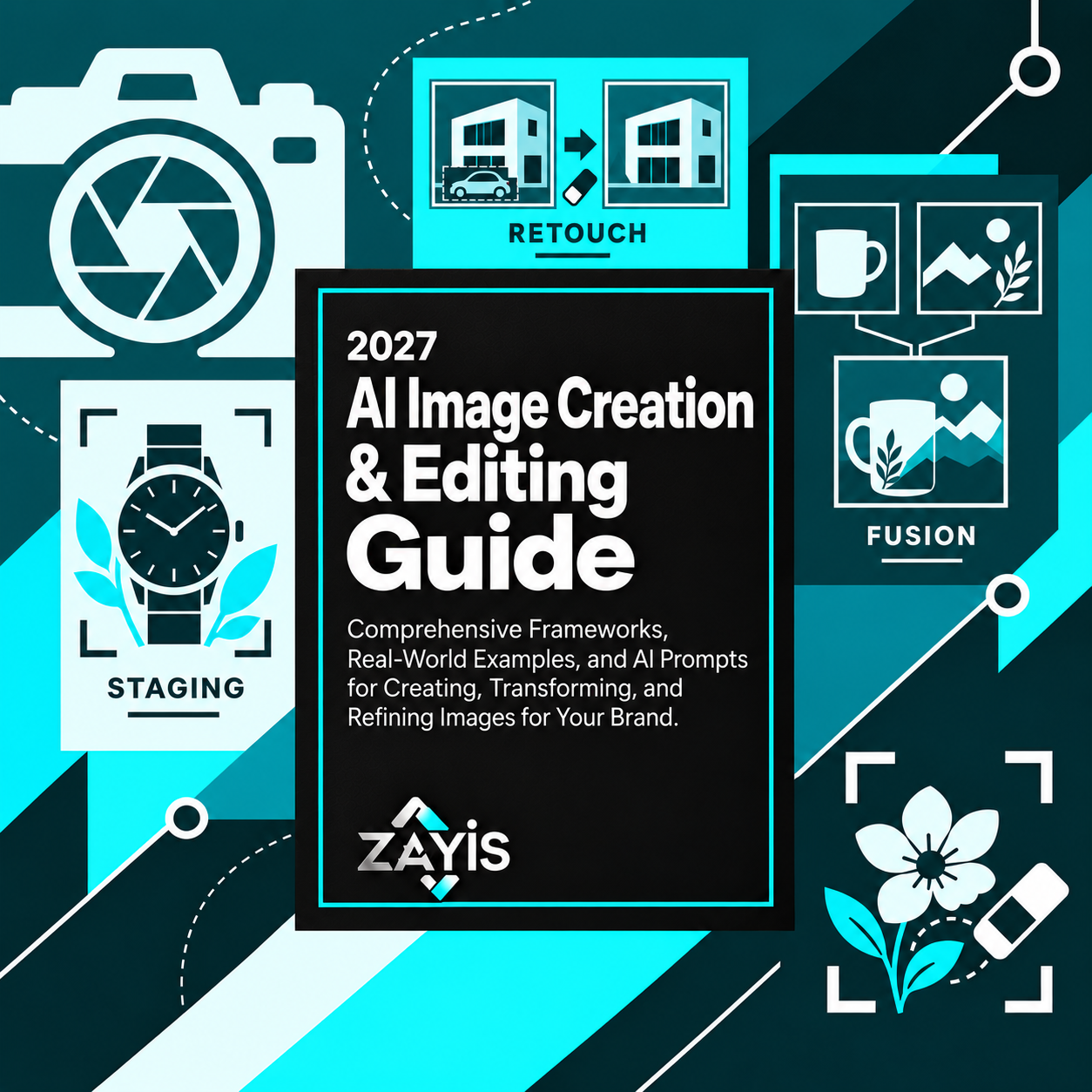
2027 AI Image Creation & Editing Guide
Generating an AI image is easy. Getting the right image, with consistent details, convincing edits, and a clear creative purpose, is another challenge entirely. Give your ideas more direction than a random prompt.
You're trying to create a product image, refine a photograph, visualize a design, or develop a campaign. But the AI keeps changing important details, introducing unwanted objects, or producing images that don't match your brand. How do you improve the result without starting from scratch every time?
The Zayis 2027 AI Image Creation & Editing Guide helps you develop more deliberate visual creation workflows. Use structured prompts, creative frameworks, and practical editing techniques to direct AI image tools toward specific visual outcomes.
What you can build:
Product staging and commercial photography concepts: Develop detailed visual directions for showcasing products with intentional lighting, backgrounds, compositions, and brand presentation.
Consistent characters and branded visual series: Create reference-driven prompts that help maintain recognizable subjects, visual styles, and creative details across multiple images.
Architectural and interior visualization concepts: Explore property staging, spatial changes, atmosphere adjustments, and design presentations before committing to physical changes.
Targeted image editing instructions: Plan object removal, replacement, restoration, and scene modifications while identifying elements that need to remain unchanged.
Creative fashion, portrait, and artistic concepts: Develop visual references for fashion prototypes, cinematic portraits, and advanced style combinations.
Infographics and multilingual visual layouts: Structure prompts for text-rich designs, translated visual content, and information-focused imagery that requires careful review.
Image-to-video storyboards and motion concepts: Explore ways to transform still images into moving scenes, develop multi-shot sequences, and adapt visual ideas for advertising.
Put your AI assistant to work with a clearer brief.
The guide combines task-focused prompting techniques, illustrative examples, creative guidance, and troubleshooting methods. Instead of repeatedly requesting "make it more professional," you can specify composition, consistency requirements, editing boundaries, intended use, and the details that must remain intact.
Use the PDF with a compatible AI assistant or supported image generation platform, add your brand requirements and visual references, and work through one creation or editing objective at a time. Review generated visuals for accuracy, rights, and suitability before publishing.
What's included:
A 29-page PDF with 14 core image creation, editing, and image-to-video sections.
Prompting techniques covering product staging, portraits, architecture, fashion, restoration, object editing, and visual consistency.
An image-to-video platform guide discussing Kling, Seedance, and Veo.
A bonus section on advanced multi-image fusion techniques.
A troubleshooting guide for improving AI-generated results.
Industry-specific applications, ethical guidance, and advanced prompting tips.
A success metrics dashboard framework and resource library.
A task-based section finder for locating relevant visual workflows.
Who it's for: Content creators, e-commerce sellers, designers, entrepreneurs, digital marketers, photographers, and brands exploring AI-assisted visual production.
Don't settle for whatever the AI generates first. Develop the creative direction, editing skills, and prompting structure to bring your visual ideas closer to what you actually imagined.
Generating an AI image is easy. Getting the right image, with consistent details, convincing edits, and a clear creative purpose, is another challenge entirely. Give your ideas more direction than a random prompt.
You're trying to create a product image, refine a photograph, visualize a design, or develop a campaign. But the AI keeps changing important details, introducing unwanted objects, or producing images that don't match your brand. How do you improve the result without starting from scratch every time?
The Zayis 2027 AI Image Creation & Editing Guide helps you develop more deliberate visual creation workflows. Use structured prompts, creative frameworks, and practical editing techniques to direct AI image tools toward specific visual outcomes.
What you can build:
Product staging and commercial photography concepts: Develop detailed visual directions for showcasing products with intentional lighting, backgrounds, compositions, and brand presentation.
Consistent characters and branded visual series: Create reference-driven prompts that help maintain recognizable subjects, visual styles, and creative details across multiple images.
Architectural and interior visualization concepts: Explore property staging, spatial changes, atmosphere adjustments, and design presentations before committing to physical changes.
Targeted image editing instructions: Plan object removal, replacement, restoration, and scene modifications while identifying elements that need to remain unchanged.
Creative fashion, portrait, and artistic concepts: Develop visual references for fashion prototypes, cinematic portraits, and advanced style combinations.
Infographics and multilingual visual layouts: Structure prompts for text-rich designs, translated visual content, and information-focused imagery that requires careful review.
Image-to-video storyboards and motion concepts: Explore ways to transform still images into moving scenes, develop multi-shot sequences, and adapt visual ideas for advertising.
Put your AI assistant to work with a clearer brief.
The guide combines task-focused prompting techniques, illustrative examples, creative guidance, and troubleshooting methods. Instead of repeatedly requesting "make it more professional," you can specify composition, consistency requirements, editing boundaries, intended use, and the details that must remain intact.
Use the PDF with a compatible AI assistant or supported image generation platform, add your brand requirements and visual references, and work through one creation or editing objective at a time. Review generated visuals for accuracy, rights, and suitability before publishing.
What's included:
A 29-page PDF with 14 core image creation, editing, and image-to-video sections.
Prompting techniques covering product staging, portraits, architecture, fashion, restoration, object editing, and visual consistency.
An image-to-video platform guide discussing Kling, Seedance, and Veo.
A bonus section on advanced multi-image fusion techniques.
A troubleshooting guide for improving AI-generated results.
Industry-specific applications, ethical guidance, and advanced prompting tips.
A success metrics dashboard framework and resource library.
A task-based section finder for locating relevant visual workflows.
Who it's for: Content creators, e-commerce sellers, designers, entrepreneurs, digital marketers, photographers, and brands exploring AI-assisted visual production.
Don't settle for whatever the AI generates first. Develop the creative direction, editing skills, and prompting structure to bring your visual ideas closer to what you actually imagined.